~/blog/networking/unifi-threat-prevention-false-positive.md
I'm fairly sure UniFi threat prevention was eating my traffic
// tl;dr
A Proxmox NFS storage check kept timing out on port 111 while 2049 answered, which fits my own UniFi Threat Prevention dropping rpcbind. I didn't add an exception. I switched to a directory storage on the existing mount with is_mountpoint 1, and the timeouts stopped.
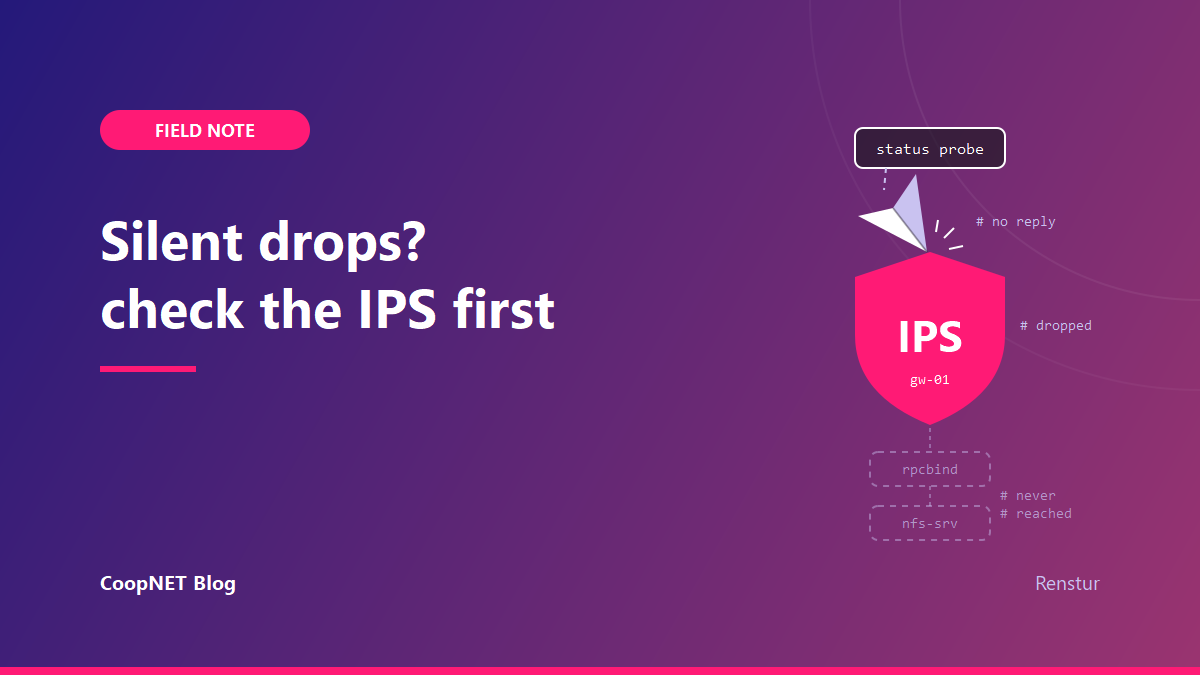
A storage check on one of my Proxmox nodes started timing out in September. It didn't fail loudly. It just timed out on every status cycle and kept at it.
The share was fine. The files were there and the node could read them. Only the status probe was unhappy, and it was filling the log with complaints.
My first guess was the wrong layer
Proxmox's NFS storage type checks that the server is online before it uses it. In my case that check went to rpcbind on port 111.
The node reaches the share over my internal network. A NetBird tunnel would work just as well, and either is a good choice.
Port 111 gets filtered a lot, because rpcbind has a long record of being abused for reflection attacks. So I assumed some filter somewhere in the path was eating it, and went looking everywhere except the box that does the filtering. It fit the symptom.
It also cost me a while.
What pointed back at my own gateway
Looking back, the evidence pointed at the gateway from the start.
The connection hung instead of being refused. Nothing came back with a reset. That means something in the path is discarding packets, but it doesn't say what.
Port 2049 answered fine. Same source, same host, NFS itself responding in milliseconds. So the host was up and reachable. Something was picking out 111 on its own.
It looked the same from every machine I tried. Same silent timeout each time.
One port silently dropped while its neighbor answers looks a lot more like something matching traffic than a link that's down. The UniFi gateway routes between my networks, and Threat Prevention was turned on for them.
That's UniFi's IPS. It scans traffic for signatures, patterns that can include ports and protocols, and in block mode it drops what matches. rpcbind traffic on 111 is the kind of thing I'd expect it to care about.
Why I didn't let it through
The quick fix is an exception. UniFi lets you allow a signature or exclude a source so the IPS stops acting on it.
I didn't make one. If that's what was happening, the signature was doing its job. Opening up rpcbind to keep a status probe quiet is a bad trade, and it's the kind of exception I'd forget I ever made.
Getting rid of the rpcbind dependency
The better question was why anything needed 111 in the first place.
The NFS storage type's server check was the only thing hitting it. The share was already mounted on the node, so Proxmox didn't need to manage the NFS side at all.
I switched it to a plain directory storage on the existing mount, with is_mountpoint set so Proxmox knows the path is a mount point and not just a folder. The entry in /etc/pve/storage.cfg ends up like this:
dir: example-share
    path /mnt/example-share
    content iso,backup
    is_mountpoint 1
The timeouts stopped. The OS mounts the share now, and Proxmox only sees a directory.
How sure I am about the cause
What I saw:
- The connection to 111 dropped rather than being refused.
- 2049 on the same host answered from the same source.
- Every machine I tried got the same result.
- Moving the storage off the NFS type made the timeouts stop.
What I didn't prove: that the IPS logged it. I don't have a detection entry to show you. The IPS is the best fit for the evidence, not a confirmed cause.
If you're in the same spot, UniFi lists detections under System Log, Security Detection. Look there before you go further than I did.
What I'd tell myself
Check the IPS before blaming anything else in the path. It's the layer that keeps a log I can actually open and read, and I looked at it last. Removing the need for 111 was a better fix than any exception would have been.
$ ./ask --help
Stuck on something similar? Ask below and I'll try to help you work through it. It helps to include:
- --running hardware, OS, versions
- --tried what you've already tried
- --error the exact message, word for word
Comments are public, so leave out passwords, keys and public IP addresses.