~/blog/networking/netbird-lan-only-services.md
Reaching LAN-only services through NetBird
// tl;dr
My LAN only admin UIs threw certificate warnings over NetBird. I moved them to NetBird private services (NB_PROXY_PRIVATE=true on the proxy), so each gets a real hostname and a Let's Encrypt cert but answers one NetBird group. Every hostname lands in CT logs, so keep them boring.
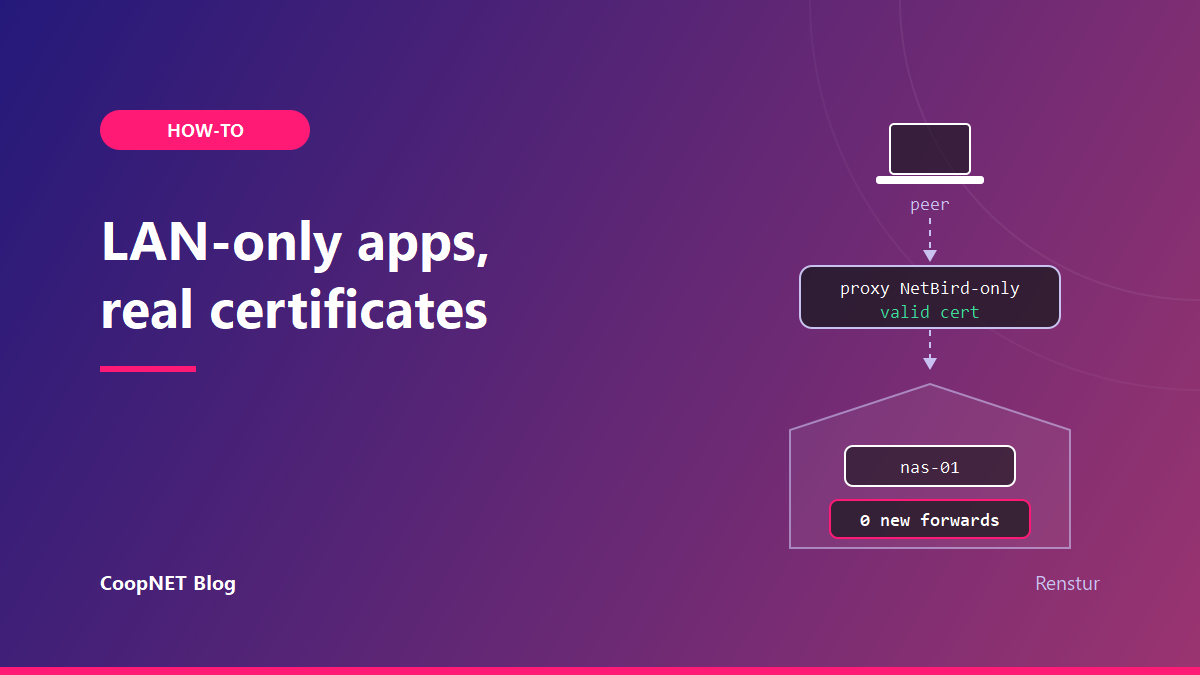
My hypervisor UI, my container manager and a handful of NAS media tools all live on machines that should never face the internet. I reached them over NetBird for months, and every one of them threw a certificate warning in the browser.
The fix I kept was NetBird's private services. Each admin UI now has a real hostname and a valid Let's Encrypt certificate, and it answers only devices in one NetBird group. My home router didn't get a new rule. Its only forwarded port is still Plex.
What I wanted, and the warnings I had
The overlay already solved reachability. My devices could reach every admin UI by its overlay name, through tunnels that only dial out.
What it didn't solve was trust. A self-signed certificate on an overlay name means a warning page, and a warning page I click through every day trains me to click through the one that matters. I wanted the padlock without making any of these services public.
That rules out the usual answer of putting them behind a public reverse proxy with a login page. A login page on the internet is still a login page on the internet.
How a private service decides who gets in
NetBird added private services in v0.72, released in June 2026. In the dashboard it's an authentication mode on the built-in reverse proxy called NetBird-Only Access.
A normal proxied service is public, with an optional login in front. A private service is still published on a real hostname with an automatic certificate. The difference is where the proxy listens for it. It serves the service on a listener bound to its WireGuard tunnel, so a request has to arrive over the mesh.
When one does, the proxy maps the source address back to a NetBird peer. It then asks the management server whether that peer's owner is in one of the service's access groups.
I tested all three outcomes:
| Who's asking | What came back |
|---|---|
| My phone on cellular, NetBird off | Forbidden |
| A mesh peer that isn't in the access group | 403 |
| A peer in the access group | 200 and the real UI |
None of those rows has a login page. A stranger who guesses the hostname gets one word.
A few things follow from that design, per NetBird's docs as of October 2026. NetBird-Only Access replaces SSO, password and PIN on the same service; you can't stack them. It only works for HTTP services. Country and CrowdSec checks are skipped on the overlay path, since the source is always a mesh address. And the whole reverse proxy is still labelled beta.
The proxy also tells the backend who's calling. It adds X-NetBird-User and X-NetBird-Groups headers to each request and strips any copies a client tried to send. I don't use them yet, but they're there for apps that can read them.
Turning private mode on for a self-hosted proxy
The first time I looked, the NetBird-Only option was greyed out. On a self-hosted setup, the proxy only advertises the capability when it runs in private mode.
I added one line to the proxy's environment file:
NB_PROXY_PRIVATE=true
The equivalent command-line flag is --private. Then recreate the proxy container so it picks up the change:
docker compose up -d --force-recreate proxy
That recreate briefly interrupts every service the proxy carries, public ones included. Do it when nobody's in the middle of something. It also has a side effect I'll get to near the end.
Once the proxy came back in private mode, the toggle on the Authentication tab became clickable.
Public DNS records for private services
This part felt wrong until I understood it. The certificates come from Let's Encrypt over the TLS-ALPN-01 challenge, which is the proxy's default. Let's Encrypt has to reach the name on public port 443 of the proxy host.
So the names need public DNS. I pointed a subdomain and its wildcard at the NetBird host:
internal.example.lab     CNAME   netbird.example.lab
*.internal.example.lab   CNAME   netbird.example.lab
The record existing grants nothing. Anyone can resolve pve.internal.example.lab and connect to port 443. The proxy then looks for a peer identity, finds none, and answers Forbidden.
Public DNS, public certificate, mesh-only access.
In my case the proxy host is my self-hosted control plane, which already has 443 open for NetBird itself. Nothing at home changed.
Pointing a private service at a LAN-only box
Each service has a target, and the target is what makes LAN-only boxes reachable without a forward.
If the box runs the NetBird client, the target is that peer. If it doesn't, the target is a Network resource behind a routing peer on the LAN. My NAS media tools work the second way. The routing peer at home carries the traffic onto the LAN, and the NAS never learns that NetBird exists.
When I add a resource for something like that, I use a single-host /32 rather than a subnet. NetBird's docs recommend it, and it keeps each resource to exactly one machine.
Resources behind a routing peer aren't members of the built-in All group. A resource with no policy is reachable by no one, which is the default I want.
Two of my backends serve HTTPS with their own self-signed certificates, the hypervisor UI and the container manager. For those I turned on the target's option to skip TLS verification. That only affects the hop from the proxy to the backend, which runs over the tunnel. The browser still sees the proxy's valid certificate.
For the access group, I picked a NetBird group that holds my admin devices. One thing tripped me up while choosing it. NetBird groups aren't Authentik groups, even though my NetBird logins go through Authentik. They're separate systems with separate IDs, and the access group is a NetBird one.
The 200 that looked like an exposure
My first test result scared me. I ran a curl from my desktop against a private service and got a 200.
curl -s -o /dev/null -w '%{http_code}\n' https://pve.internal.example.lab/
I read that as the service being open to anyone. It wasn't. My desktop is a NetBird peer, and it's in the admin group. The 200 was the correct answer for that machine.
Nothing on the box I work from is an outside view. Test from somewhere that really is outside:
- a phone on cellular with NetBird switched off, which should get Forbidden
- a mesh peer that isn't in the access group, which should get 403
- a peer in the group, which should get 200
The proxy also sets an nb_session cookie, and that cookie is a JWT. Decoding its payload shows which identity and groups the proxy assigned to the request. I copy the value out of the browser's cookie storage, then decode the middle segment:
cut -d. -f2 <<< "$NB_SESSION" | tr '_-' '/+' | base64 -d 2>/dev/null; echo
If the identity in that payload isn't the device you meant to test from, your test is measuring the wrong thing.
What each hostname gives away
Every private service gets its own certificate. Let's Encrypt submits every certificate it issues to public Certificate Transparency logs, and those logs keep them permanently.
So every hostname I publish this way is public forever, even though the service behind it isn't. Names are public. Content isn't.
I accepted that, with one rule: nothing sensitive goes in a hostname. pve and nas are fine. A client name or a project codename isn't.
The two designs I didn't use
I spent real time on two other ways to get valid certificates on internal names before settling on this one.
The first was a private certificate authority, step-ca with Caddy in front. Technically it was fine, and step-ca's ACME support is good. It died on distributing the root. Every phone, every laptop, every OS store and Firefox's own store would need it, for every guest and every reinstall, forever. To be safe it would also need X.509 name constraints, so a stolen root couldn't mint certificates for any domain on the internet.
The second was a real domain with a Let's Encrypt wildcard over DNS-01 and split-horizon DNS. No client changes, and it hides hostnames from the transparency logs. It died on blast radius. The wildcard key has to sit on every TLS terminator, so one compromised host hands over a publicly trusted key for everything. It also needed a DNS server the mesh could reach, and NetBird already holds port 53 on each peer's overlay address.
Private services put the only certificates on the proxy and touched no client. The hostname leak was the cheapest trade of the three.
Ghost peers after every proxy restart
That side effect from earlier: each time the proxy restarts, it registers itself as a new ephemeral peer and orphans the old one.
The orphans stay marked as connected, so the inactivity cleanup never removes them. They don't show up in the dashboard or the API. You only see them in the detailed status output on another peer, named proxy- something and stuck in Connecting:
netbird status -d | grep -A2 'proxy-'
They inflate the peer count and nothing else that I've seen. It's tracked upstream as netbirdio/netbird#5646, still open as of October 2026.
I cleaned mine out of the management database by hand, with the management service stopped and a backup of the database taken first. I kept the newest proxy registration and removed the rest. Since then I expect about one new ghost per proxy restart, and I clear them in batches rather than every time.
If you'd rather not edit the database, leaving them alone is a reasonable choice. They're clutter, not a hole.
How confident I am in this
Observed on my setup in October 2026:
- the Forbidden, 403 and 200 responses from the three vantage points
- certificates issued with nothing new open at home
- a self-signed backend served through the proxy with a valid certificate in the browser
- orphaned proxy peers after restarts, and the count dropping after the prune
The ghost-peer cause is from the upstream issue and my own database, not from reading the proxy's code.
What I'd tell myself
Turn on private mode before you go looking for the toggle. Test from a phone on cellular, never from your desk. Keep every hostname boring, because it's going to be public for good.
Names and addresses are changed. Everything else happened.
$ ./ask --help
Stuck on something similar? Ask below and I'll try to help you work through it. It helps to include:
- --running hardware, OS, versions
- --tried what you've already tried
- --error the exact message, word for word
Comments are public, so leave out passwords, keys and public IP addresses.