~/blog/services/portainer-stack-compose-on-disk.md
I edited a Portainer stack's compose file on disk and it stuck
// tl;dr
I thought Portainer would discard compose edits made on disk, but on my install the editor just showed them. Stack files are plain files in Portainer's data volume, one folder per stack id. To apply an edit, recreate with docker compose -p set to the stack name, or you get a second project.
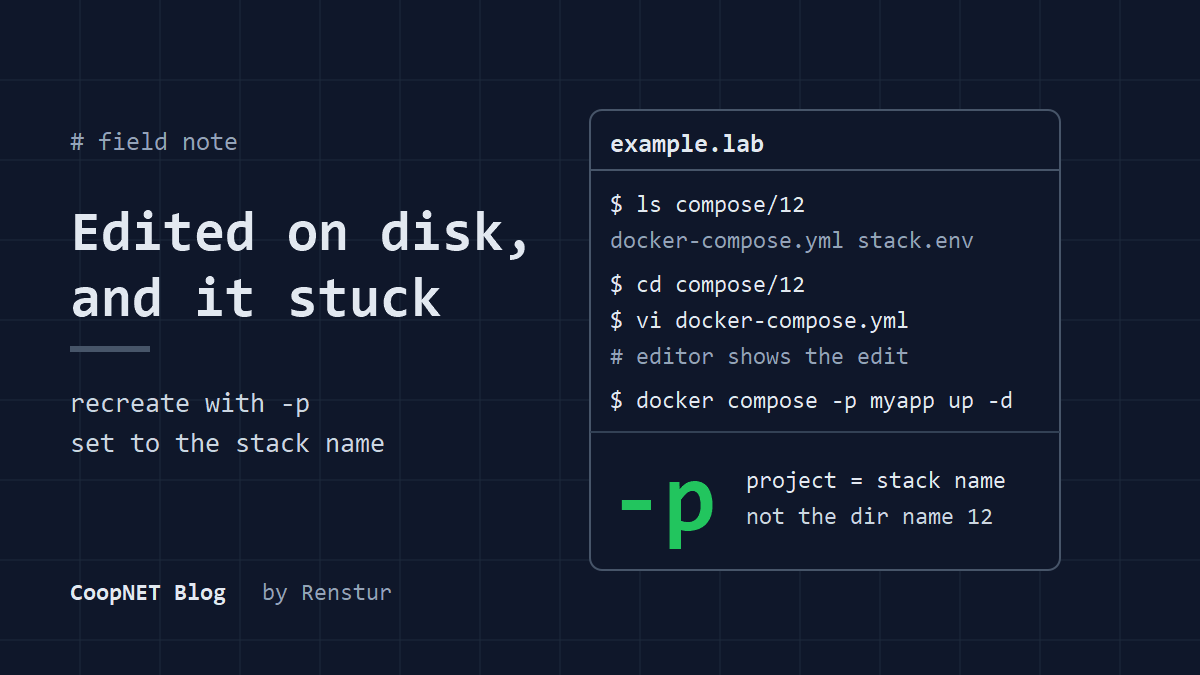
I manage my Docker stacks in Portainer. I used to make every compose change in its web editor, because I assumed anything I changed on disk would get thrown away.
In June 2026 I tested that assumption. It was wrong, at least on my install.
host: standalone Docker, not Swarm
portainer: version not recorded
stack type: web editor
checked: June 2026
Where Portainer keeps the stack files
A stack you create in Portainer's web editor ends up as a normal compose file in Portainer's data volume. On the host, mine are here:
/var/lib/docker/volumes/portainer_data/_data/compose/<id>/docker-compose.yml
/var/lib/docker/volumes/portainer_data/_data/compose/<id>/stack.env
The <id> is the stack's number in Portainer, not its name. A stack with id 12 lives in compose/12/.
The labels on a running container point somewhere else:
$ docker inspect --format '{{ index .Config.Labels "com.docker.compose.project.config_files" }}' <container>
That shows a path under /data/compose/<id>/. Same file, seen from inside the Portainer container, where the volume is mounted at /data. It threw me the first time, because there's no /data on the host.
You'll need root to read anything under /var/lib/docker.
What I expected to happen
I thought Portainer kept the real copy of each stack in its own database. Disk would just be a cache it rewrote whenever it felt like it. So an edit on disk would either vanish, or Portainer and the running containers would quietly disagree.
What actually happened
I edited docker-compose.yml on disk and opened the stack in Portainer. The editor showed my change.
Later it was still there.
So on my install, the file on disk is the copy Portainer reads. As far as I can tell the editor is just a view onto it.
That changed how I work. A small change no longer means opening a browser, logging in and pasting YAML into a text box. I edit the file on the host like any other config.
Recreating the containers without confusing Portainer
Editing the file doesn't restart anything. Recreate the containers with compose, pointing at the same file and using the stack's name as the project name:
$ cd /var/lib/docker/volumes/portainer_data/_data/compose/12
$ docker compose -p myapp -f docker-compose.yml up -d
The -p matters. On my install, each stack's compose project name was the stack name. You can confirm yours from the com.docker.compose.project label on any of its containers.
If you leave -p off, compose names the project after the directory holding the compose file, unless COMPOSE_PROJECT_NAME is set or the file has a top level name:. Here that's 12, which is a different project. You'd get a second copy of the stack, or name conflicts on any service with a fixed container_name.
With the right project name, compose sees the existing containers, recreates only what changed, and Portainer keeps showing them as part of the stack.
The env file and Git stacks
The env file
Portainer keeps a stack's variables in stack.env next to the compose file. When you run compose yourself, it auto loads a file called .env from the project directory, not stack.env. My recreate command doesn't pass it. If your compose file uses variables, I'd expect to add this so they still resolve:
$ docker compose -p myapp -f docker-compose.yml --env-file stack.env up -d
Before up, render the config and look for blanks where values should be:
$ docker compose -p myapp -f docker-compose.yml --env-file stack.env config
All of this is on a standalone Docker host. Swarm stacks are deployed with docker stack deploy, which doesn't read env files this way, so none of it applies there.
Stacks pulled from Git
Mine are all web editor stacks. A stack that Portainer pulls from a Git repository is a different case. Portainer's docs say the Force redeployment option overwrites local changes with what's in the repo, and I'd expect a normal redeploy from Git to do the same. I haven't tested it. For those, the edit belongs in the repo.
How sure I am
What I saw, in June 2026:
- The stack files are plain compose files in Portainer's data volume.
- An edit made on disk showed up in Portainer's stack editor and was still there later.
- Recreating with
-pset to the stack name left Portainer and the containers in agreement.
What I didn't check: which Portainer version this was (I didn't write it down), stacks pulled from Git, or the env file detail above. Portainer has changed how it handles stacks over the years, so I'd try one throwaway edit on your own version first.
What I'd tell myself
Test the assumption before working around it. One edit and one look at the editor would have settled it.
$ ./ask --help
Stuck on something similar? Ask below and I'll try to help you work through it. It helps to include:
- --running hardware, OS, versions
- --tried what you've already tried
- --error the exact message, word for word
Comments are public, so leave out passwords, keys and public IP addresses.