Authentik as the front door to every app in my homelab
How I run Authentik in front of a dozen self-hosted apps over OIDC, and the MFA, lockout, recovery and backup traps I had to fix after login worked.

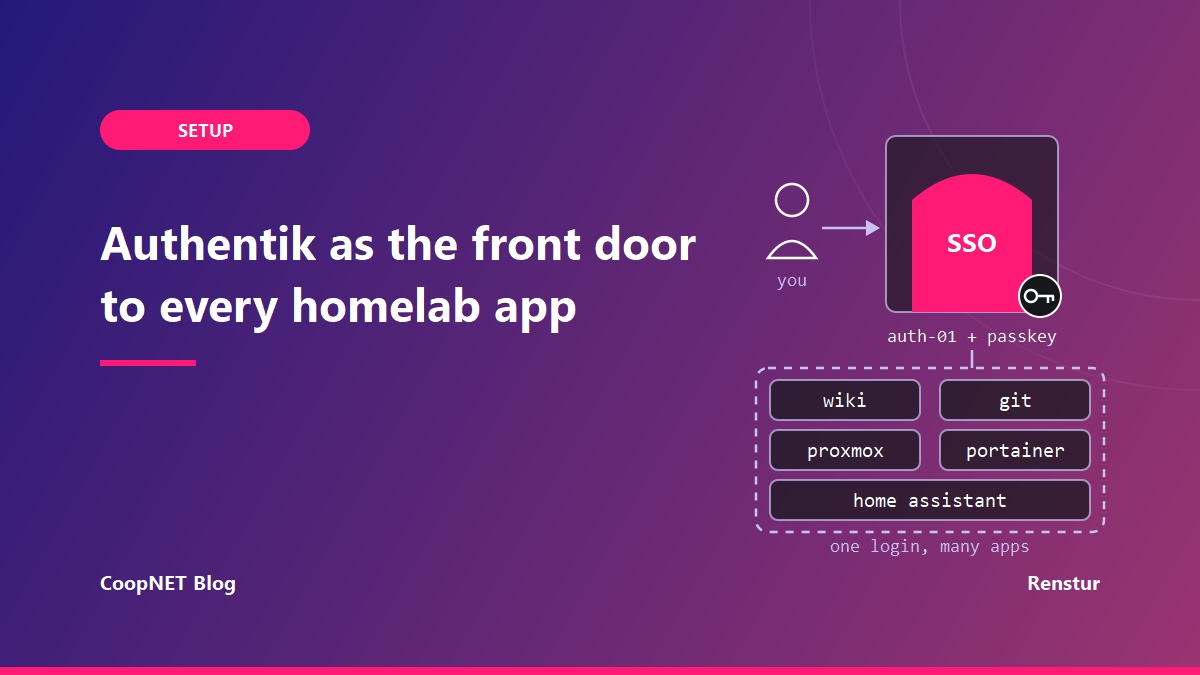
I put Authentik in front of every self-hosted app I run, about a dozen of them, and every one signs in over OAuth2/OIDC. The login page is the part everyone sees. The traps I hit were in MFA, lockouts, recovery and backups.
I wanted to get everything behind a single authentication screen, and also behind a locked gate so even outside of the network, everything had to go through Authentik.
I originally saw quite the hyper over Authentik and figured I'd give it a try. I haven't tried any other SSO projects and immediately fell in love with the options that Authentik provided.
What sits behind it, and what doesn't
The apps on it are the usual homelab spread: Proxmox, Home Assistant, a family wiki, Portainer, Semaphore, the Git forge, and NetBird itself. Every one of them is an OIDC client. I have no proxy, LDAP, RADIUS or SAML providers at all.
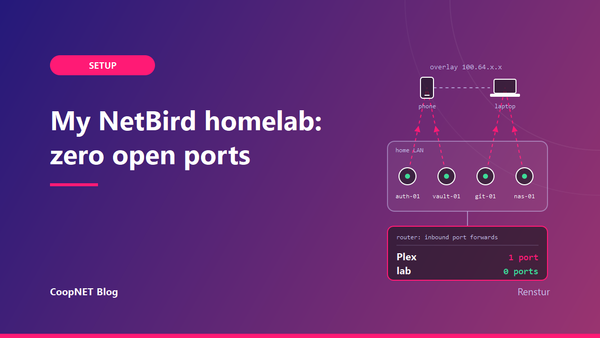
That last bit is deliberate. Authentik ships an embedded proxy outpost, and mine is bound to nothing. Private apps are gated by the overlay network instead: if your device isn't in the right NetBird group, the app isn't reachable, and Authentik never sees the request. Wider access means changing a NetBird group.
So Authentik answers one question for me. Who are you?
The login flow, stage by stage
An Authentik flow is a sequence of stages, and policies bound to a stage decide whether it runs. Mine looks like this:
identification
  -> reputation check (deny stage)
  -> password
  -> authenticator validation (MFA)
  -> user login
The identification stage also links to a passwordless flow that's WebAuthn only, so a passkey can be the first and only thing you touch. As of the October 2026 docs, the identification step can also offer passkey autofill, and fall back to the normal form when the browser can't.
The reputation check is a deny stage with a reputation policy bound to it. Failed logins push the score down, successful ones push it up, and the policy passes once the score drops to the threshold. Mine scores on both IP and username, and trips after about five failures. The docs (October 2026) say to set that binding to evaluate when the stage runs. That way it sees the current attempt, not the state from when the flow was planned. Do that.
Two other settings round it out. There's no self-service signup: the enrollment flow requires a superuser. The password policy is minimum length 8, a Have I Been Pwned check with zero allowed hits, and a zxcvbn strength threshold. No character-class rules.
MFA lives in a group binding
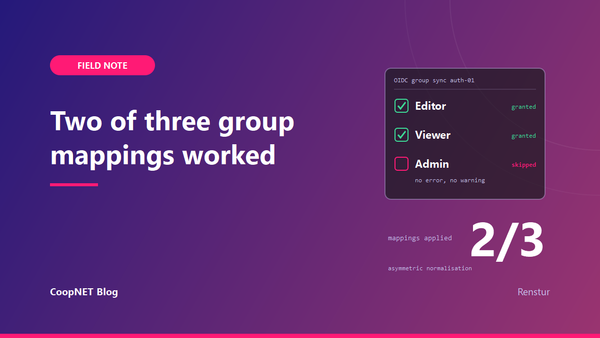
MFA isn't on for everyone. It's enforced for an admin MFA group, through a group binding on the authenticator validation stage. Members get the MFA stage. Everyone else skips it.
That works, with one consequence. Group membership is the enforcement. Remove someone from that group, by hand or through a blueprint, and their MFA requirement goes away. Nothing warns you.
The validation stage itself has a "Not configured action" setting (skip, deny, or inject a setup stage). That only decides what happens when the stage runs and the user has no device. It doesn't help when the binding keeps the stage from running at all.
One shared IP locked the whole house out
The reputation score is per IP as well as per username. At home, every phone, tablet and laptop in the family leaves through the same public IP. A few typos from different people, on different accounts, all land on one IP score.
Past the threshold, the deny stage blocked every login from home. Score expiry is 24 hours, so waiting it out meant a day without SSO for the whole house.
The fix was deleting the reputation scores in the admin UI (the API can do it too). Whether IP scoring makes sense for traffic from inside the house is a separate question.
The iPad can't do passkeys in the Home Assistant app
The Home Assistant companion app opens the Authentik login inside its own embedded web view. iOS only allows passkeys and WebAuthn in an app's web view for domains listed in that app's associated domains. auth.example.lab isn't one of Home Assistant's, so the passkey prompt fails or times out. Password autofill doesn't match the domain either.
There are two workarounds. Type the password and a TOTP code by hand, copied from the password manager. Or sign in through Safari first.
How sure I am: the failing prompt is observed. The associated-domains explanation is how iOS treats app web views, and it fits the symptom.
Recovery that depends on the thing that's down
Password recovery goes by email through a local SMTP relay, and I tested it end to end. One snag on the way: the relay only accepts senders on the lab's own mail domain, so the recovery sender address has to be on that domain or the mail never leaves.
The bigger problem was where everything lived. Authentik, the mail relay and the password manager all run on the same VM. If that VM is down, SSO is down, and so is the recovery email and the vault holding the passwords. That's a loop.
This is why the hypervisor keeps a local break-glass admin account that doesn't go through Authentik. When the identity VM is dead, I need a way to log in to the machine that runs it.
Blueprints in Git, without letting Git delete people
My custom blueprints live in a private repo on the self-hosted forge at git.example.lab. The blueprint folder is bind-mounted read-only into both the server and worker containers, so the checked-out Git tree is the live config.
Mount the same folder into both containers, read-only:
services:
  server:
    volumes:
      - ./blueprints/custom:/blueprints/custom:ro
  worker:
    volumes:
      - ./blueprints/custom:/blueprints/custom:ro
Per the October 2026 docs, Authentik watches the blueprint directory. A new file triggers discovery and an instance gets applied. A changed file re-applies its instance. There's also a rescan on an interval (60 minutes by default). No restart needed.
The property I lean on is how it treats objects that already exist. The importer applies the blueprint partially: fields the file doesn't mention are left alone. That's why my group blueprint deliberately doesn't declare users or superuser flags. If it did, the file would become the source of truth for membership. Anyone I'd added through the UI would be removed on the next apply, and with MFA tied to a group, so would their MFA.
One more trap. In a blueprint, a group's name is its identifier. Change the name in the YAML and you get a new, empty group next to the old one. Renames go through the API.
Renaming a group without stripping roles
Group names leak into downstream apps. Proxmox appends the realm name to every OIDC group it creates (so admins becomes admins-<realm>), and some apps match groups by the name string. Rename a group carelessly and people lose roles in apps that never told you they cared.
The order I use:
- Make every consuming app accept both the old and new group name.
- Disable the group blueprint.
- Rename the group through the API.
- Update the blueprint to the new name and re-enable it.
- Check the group count didn't grow. If it did, the blueprint made a fresh group.
- Remove the old names from the consuming apps.
It's slow.
What the blueprint export is good for
A full blueprint export contains the client secret of every OAuth provider. It doesn't hold password hashes, but the secrets are enough to impersonate every app on the SSO.
My export script redacts every key matching secret, key, password or token patterns. Then it re-scans the output and refuses to commit if a real value survived. It fails closed.
The re-scan is roughly this shape:
if grep -Ein '(secret|key|password|token)[a-z_]*:\s*[^ ]' export.yaml \
   | grep -v 'REDACTED'; then
  echo "unredacted value found, not committing" >&2
  exit 1
fi
With the secrets stripped, the export can't rebuild the instance. It's a readable history of what changed. Restores come from the database.
Backups I actually checked
Before this, the only backup was a single manual dump almost two months stale, plus crash-consistent VM backups. Now a weekly pg_dump runs on a systemd timer and keeps the last five, about a month.
Before it replaces anything, the new dump has to pass three checks: over a minimum size, a clean gzip -t, and PostgreSQL's completion marker at the end. It writes to a .partial file and only renames on success.
The checks, written as a sketch:
set -euo pipefail
MIN_BYTES=2000000   # a real dump of mine is far bigger; pick yours
out="/srv/backups/authentik-$(date +%F).sql.gz"
docker compose exec -T postgresql pg_dump -U <db-user> <db-name> \
  | gzip > "$out.partial"

[ "$(stat -c %s "$out.partial")" -gt "$MIN_BYTES" ] || exit 1
gzip -t "$out.partial" || exit 1
zcat "$out.partial" | tail -n 5 \
  | grep -q "PostgreSQL database dump complete" || exit 1

mv "$out.partial" "$out"
pipefail matters here: without it, a pg_dump that dies halfway still hands gzip a clean exit. The failure email is wired to the unit failing. I tested it by forcing a failure.
Upgrades happen on purpose
Authentik is pinned to a version and excluded from Watchtower. Upgrades are something I do deliberately.
One recent minor release changed which X-Forwarded-For entry Authentik trusts. That's only safe if the first proxy in front of it overwrites the header instead of appending to it. If it appends, a client can send its own X-Forwarded-For and Authentik may log, and score, an address the client made up. Reputation scoring by IP gets a lot less useful if the IP is a suggestion.
To test it, send a spoofed header:
curl -s -o /dev/null -H "X-Forwarded-For: 203.0.113.7" https://auth.example.lab/
Then check the client IP on the matching event in the admin event log. If it shows 203.0.113.7, the proxy is appending and needs fixing before that upgrade.
What my notification rules covered
My notification rules covered configuration errors and updates. Nothing fired on failed logins or password changes.
What I'd tell myself
A working login page was step one. I'd build the rest sooner: MFA that can't fall off when a group changes, recovery that doesn't share a VM with Authentik, a dump with a checked marker, and blueprints that never own membership.
And the break-glass account, before any of it.
That account is the next post: break-glass access when your SSO lives behind your VPN.
Names and addresses are changed. Everything else happened.